新更新 UPDATES :
STILL IN PROCESS
新更新 UPDATES :
STILL IN PROCESS12月的猫头鹰 xD
December 16, 2014
16 December 2014
WRITTEN BY CECELIA

那么快又来到了12月 (/•ิ_•ิ)/
说真我有点不爽 我明年要大考了
怎么可以这样对我 (´・ω・`) =
12月假期在家里做宅女  仅出了一次就是Midvalley
仅出了一次就是Midvalley
唉,,, 没钱的孩子就是这样生活
趁空闲时间 就跑回来 玩博客 大就有米有想我 [[踢飞
[[踢飞
[[踢飞
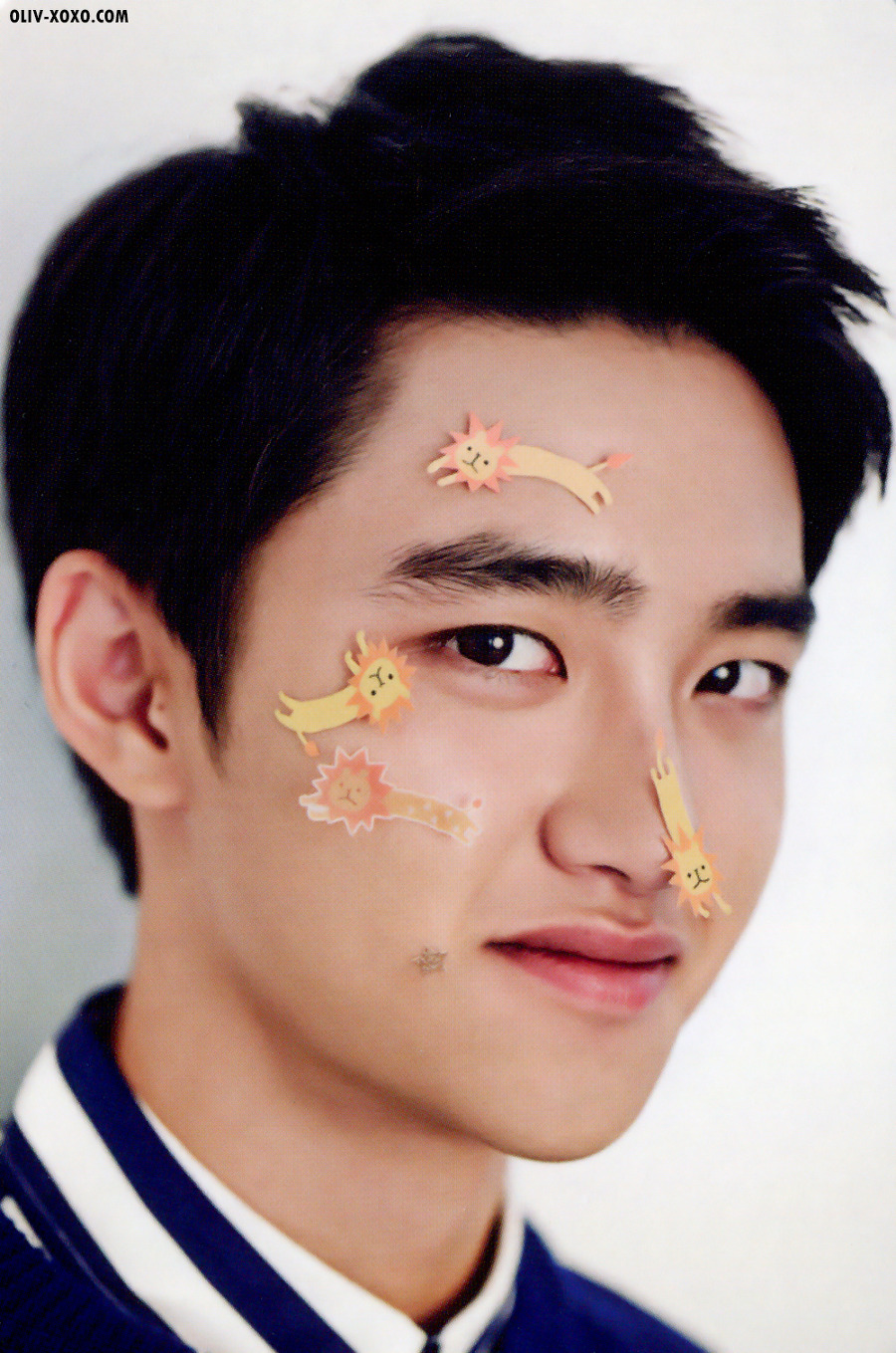
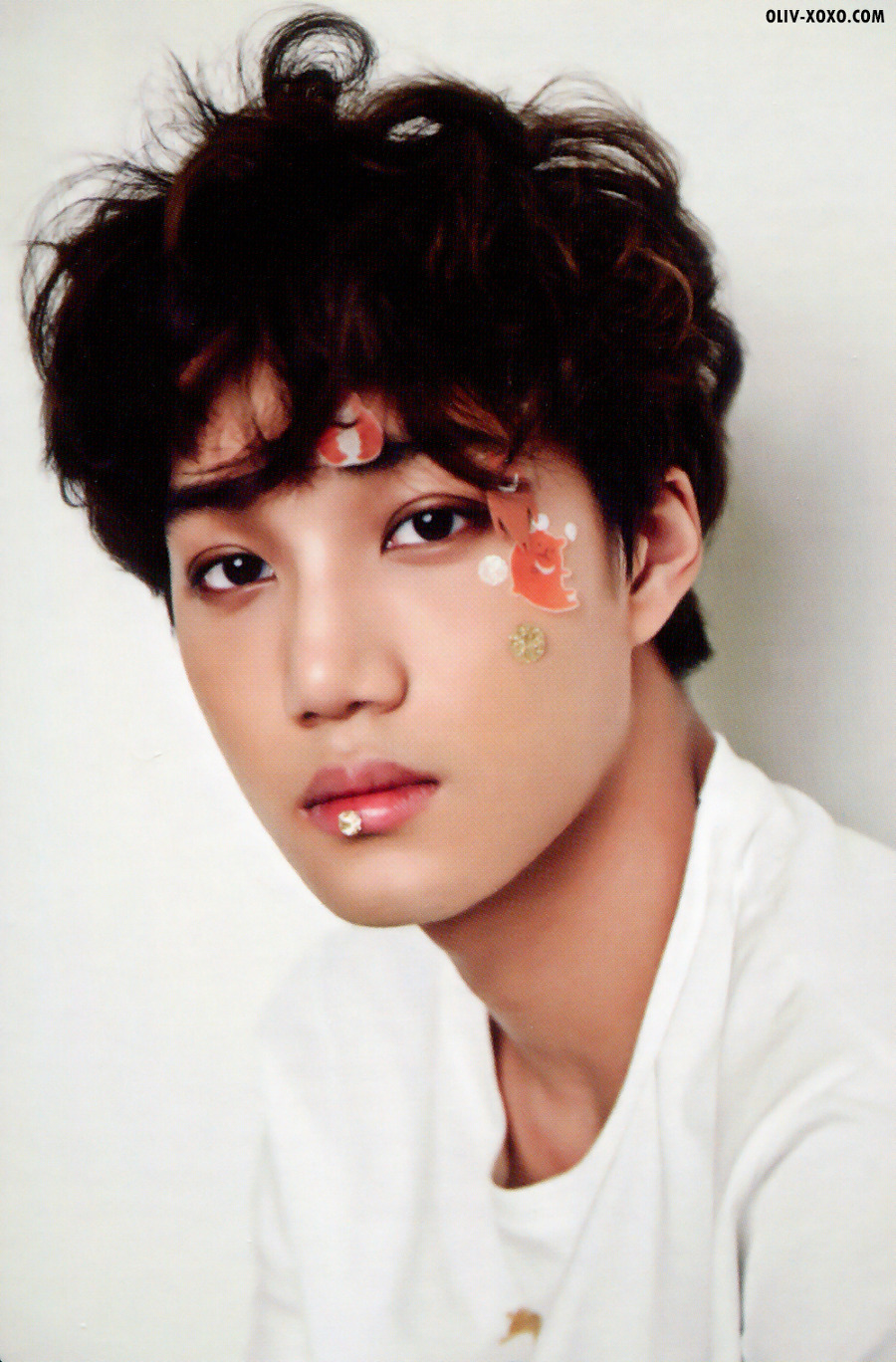
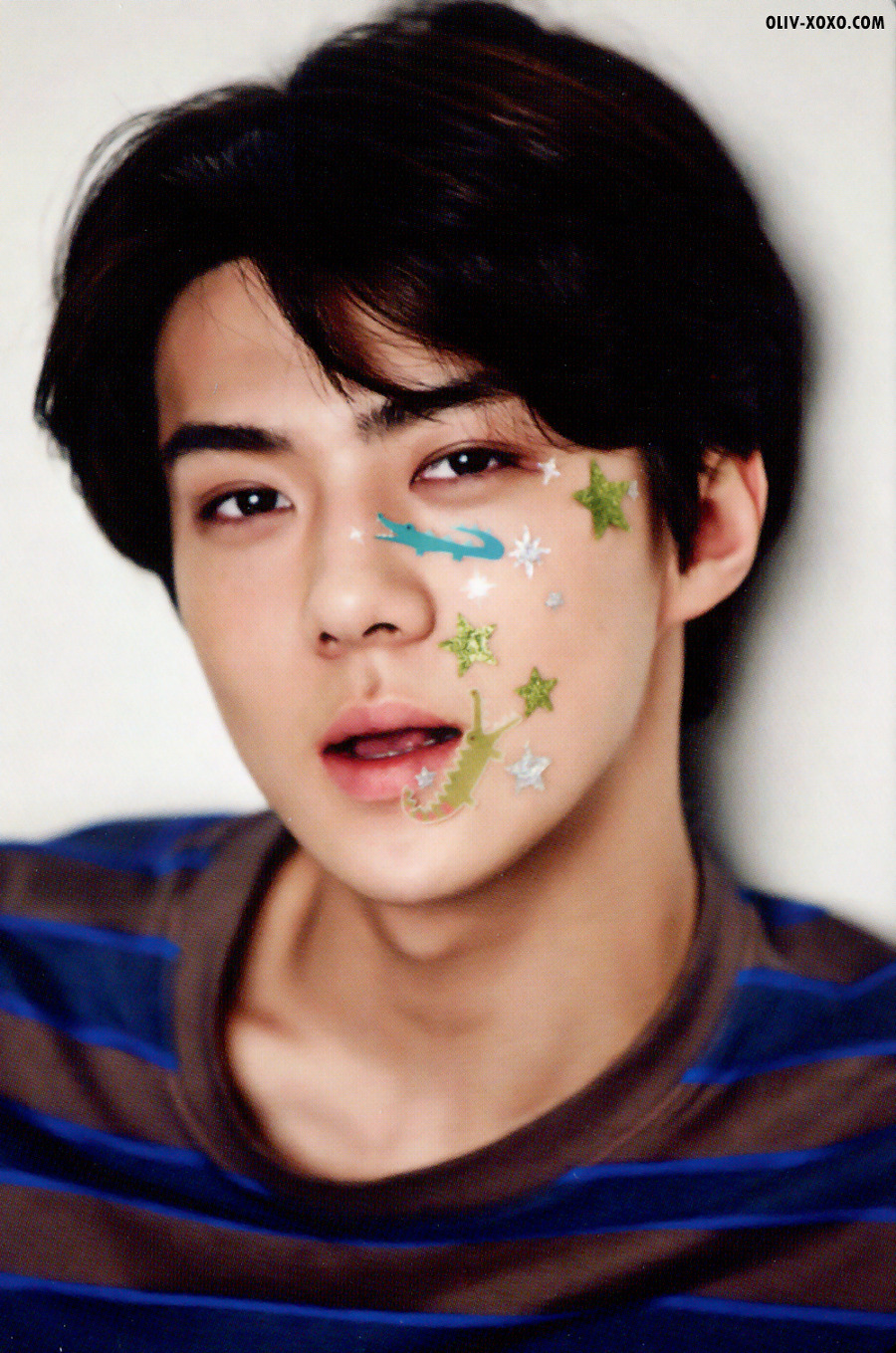
好啦 话不多说 送礼物给你们
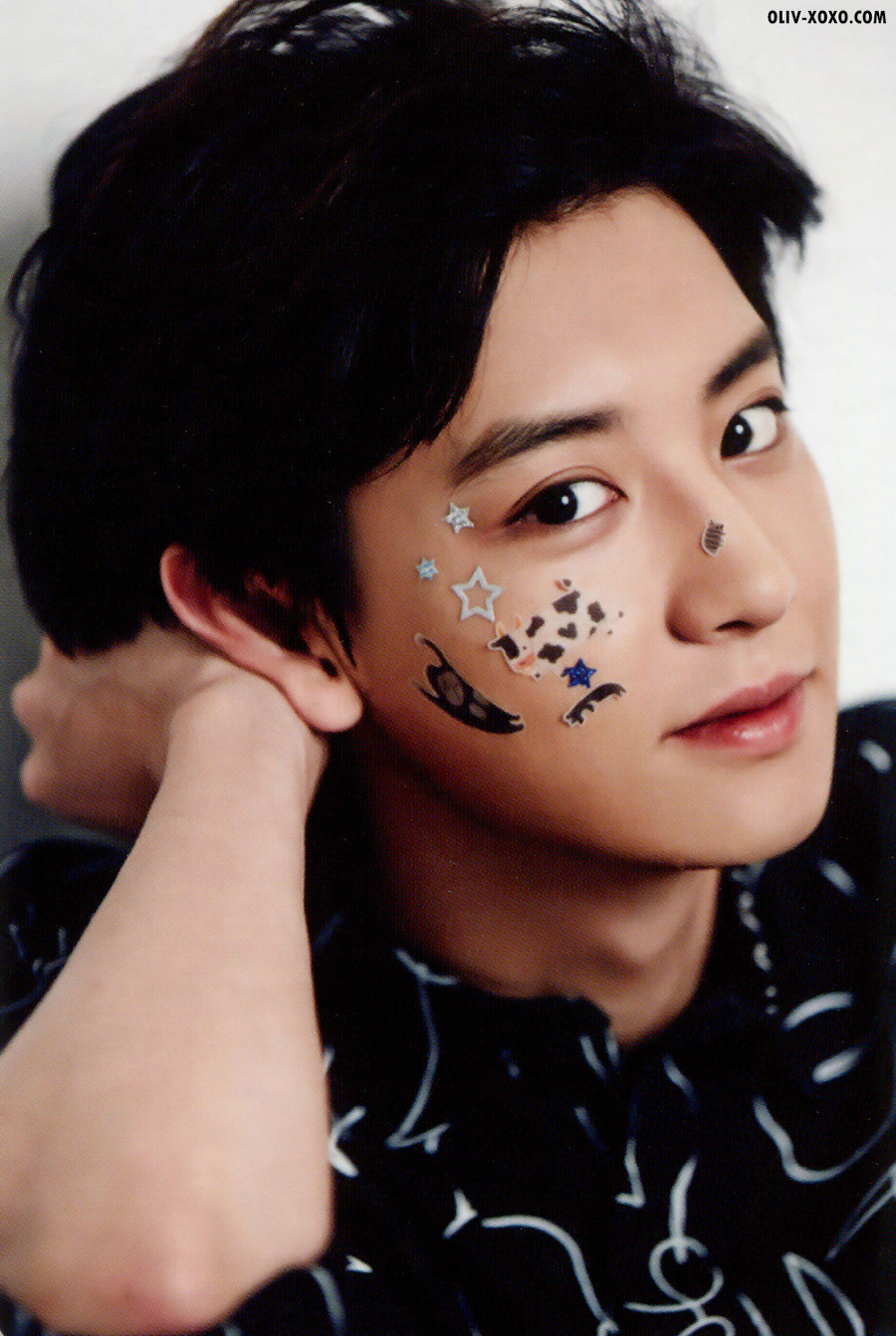
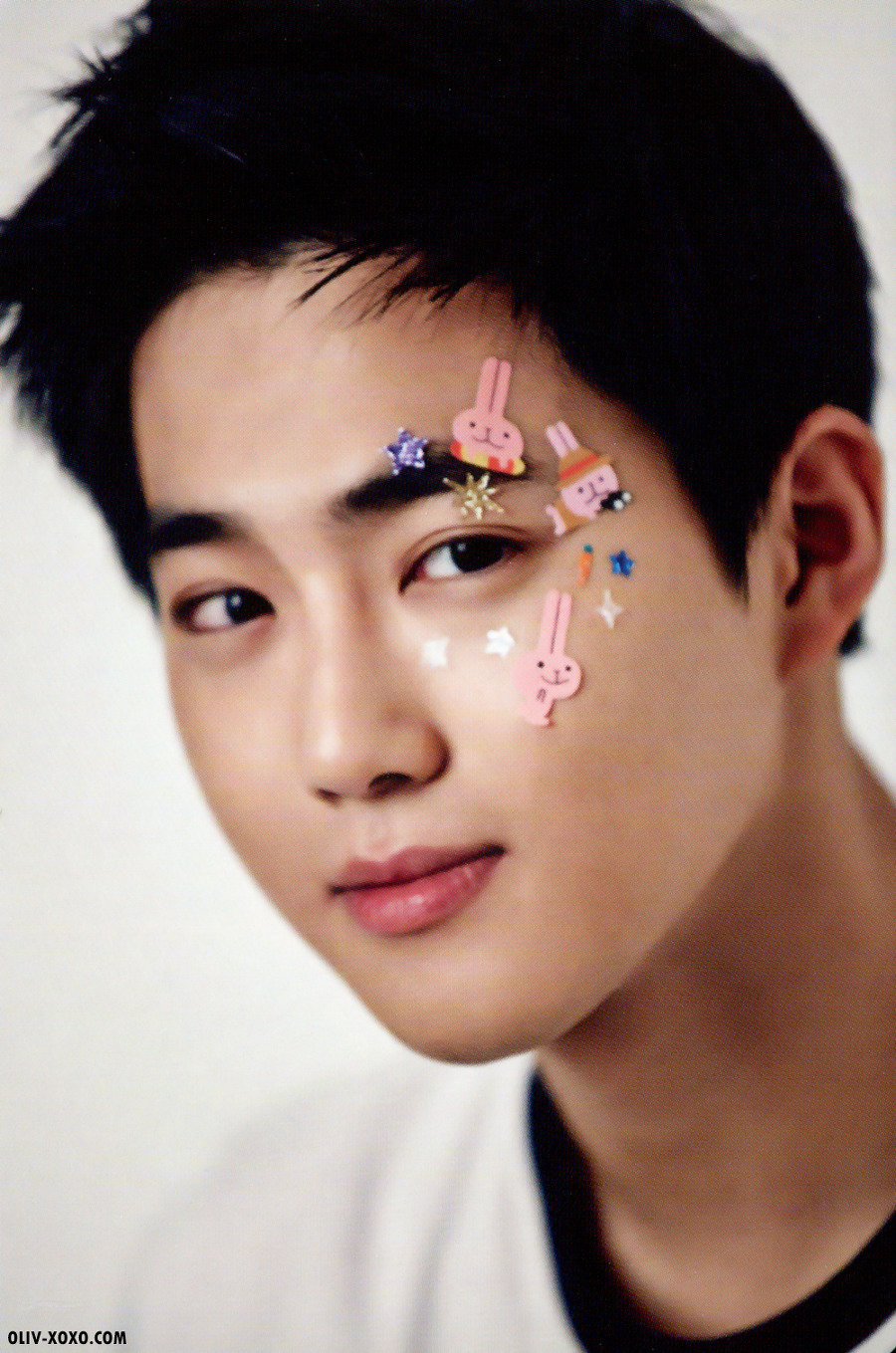
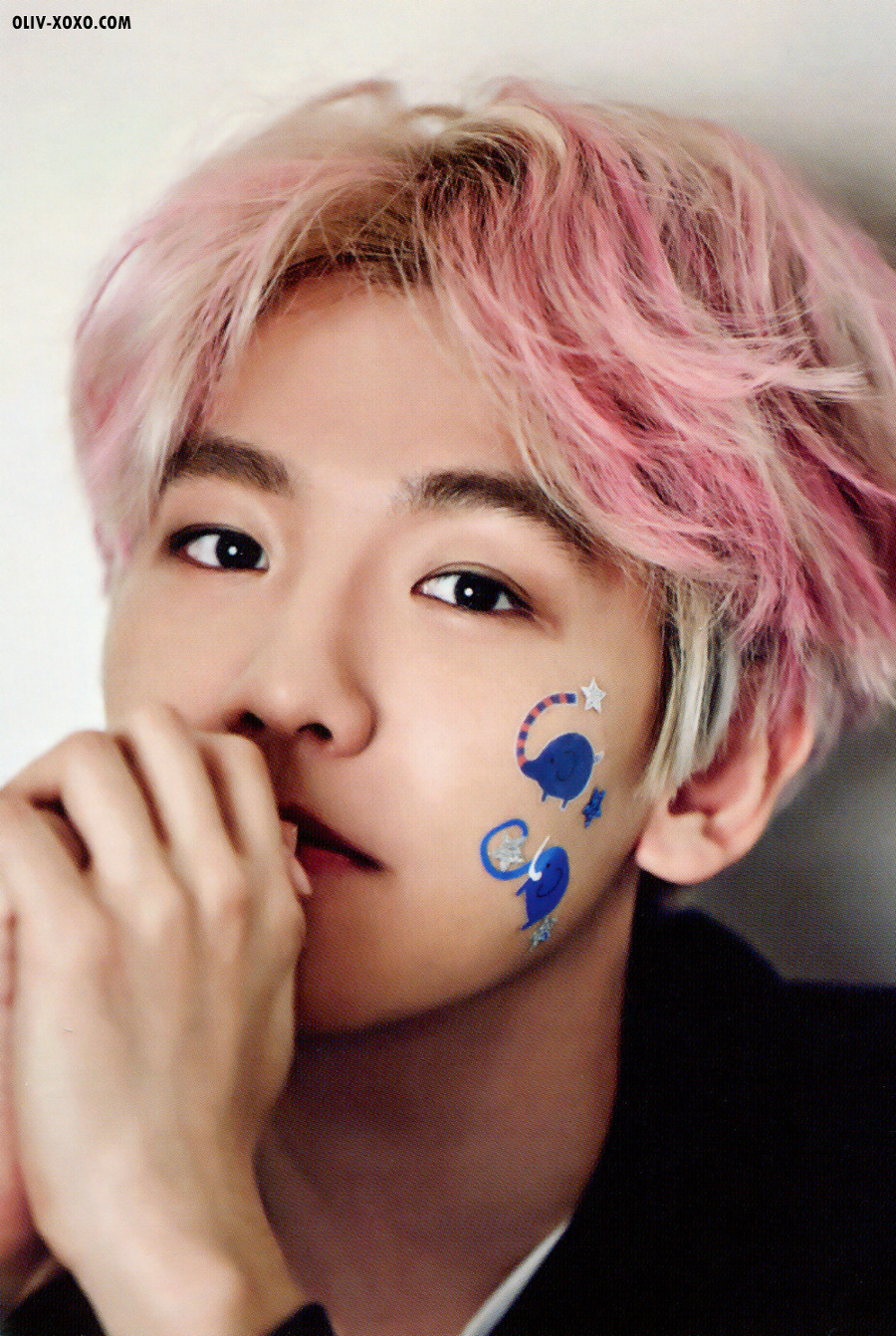
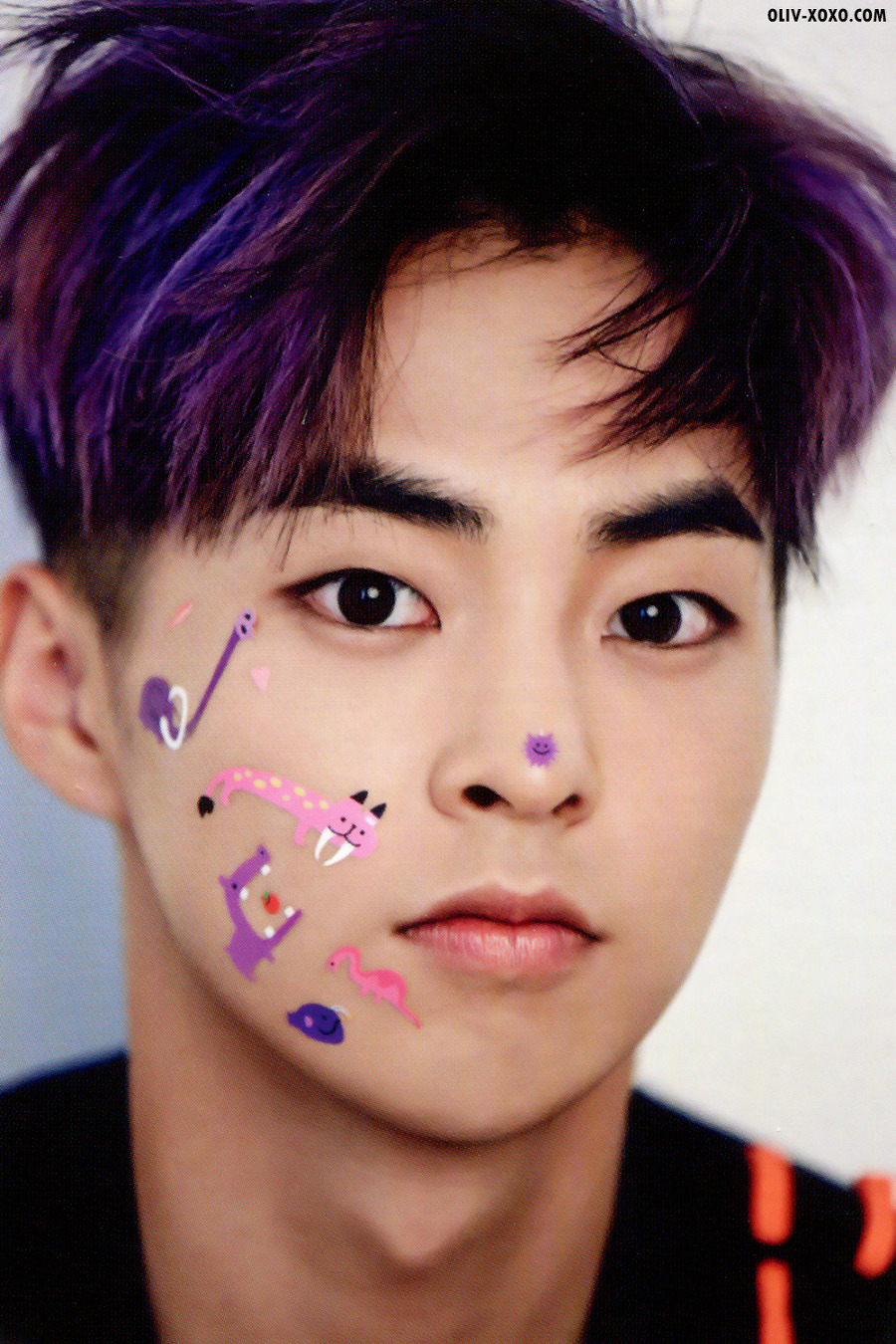
[[ Santa's HERE ! ]]
都还没25号 圣什么诞 

全部都是我很辛苦找回来的 [[其实还有 懒得剪出来
所以,, 拿走记得留言
发现有人偷图 你必红!!


图片划去左边
October 01, 2014
01 October 2014
WRITTEN BY CECELIA
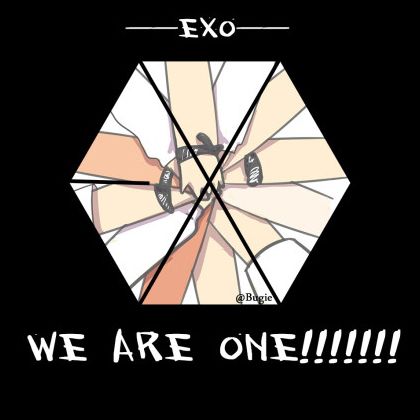
今天的教程如上图
Blog Template
1. 到设计-页面元素-添加小工具-HTML/Javascipt
1. 到设计-页面元素-添加小工具-HTML/Javascipt
2. 拷贝代码,然后贴进去..
3. PREVIEW SAVE.
BLOGSKIN
1. 到Template.
2. 拷贝代码,贴在你想要放的地方.
3. PREVIEW - SAVE.
<style>#celiabox {
width:420px;position:absolute;height: 240px;border: 2px solid #888;}
#text{font-size:12px; font-family: trebuchet ms;text-align:center;width:180px;height:230px;padding:2px;overflow:none;color:#666666;}#picture{width:220px;height:220px;-webkit-transition: opacity 0.9s linear;-webkit-transition: all 0.9s ease-in-out;-moz-transition: all 0.9s ease-in-out;-o-transition: all 0.9s ease-in-out;}
#side:hover #picture {margin-left:-170px;font-size:12px;}
</style>
<div id="celiabox">
<table id="side" border="0" cellpadding="0" cellspacing="0" ><tr>
<td><div id="text">Hello, It's me.<br />Testing Testing<br />写字在这里</div>
</td>
<td><div id="picture"><img src="http://i1259.photobucket.com/albums/ii546/Cecelia2620/celiaprouct222.jpg" height="220px;" /></div></td>
</tr></table></div>
 解释
解释
绿色字眼 : 图片的link (p.s. 大小最好是 1:1,意思说,宽和长最好是一样的)
橘色字眼 : 框框类型,颜色,厚度那些
紫色字眼 : 字显示的字体 (eg: comic sans, arial .....)
红色字眼 : 写字的地方,或者你想要加代码也可以 :)
红色字眼 : 写字的地方,或者你想要加代码也可以 :)
还有什么疑问,请到cbox去留言 :) THX
End of Tuto
波点背景图
September 05, 2014
05 September 2014
WRITTEN BY CECELIA

     |
   |
    |
          |
       |
图片
June 04, 2014
04 June 2014
WRITTEN BY CECELIA

我希望你们都看一看这一篇文章,过后再做你的 Effect也不迟 :3
在这里,我要提醒大家关于代码的一件事,你们加入 effect之前,请记得用 ctrl+f 找寻 img ,如果有,代表你之前已有弄过 effect,有必要的话得删掉里面的代码.
img 与 img:hover 之间的分别
有为亲曾经问过我 这两者有何分别?
有分别的 :3
img - 就是你直接看到的效果
img:hover - 你要用鼠标碰它才会出现效果
如果我之前已经有 img 这个代码,要怎样?
别怕别慌 如果你有 img 这个代码 你其实不必删 除非你想删
你只需要 把 img { .............. } 中间那个 ... 那里进行更改罢了
要加于美化代码,也是加进那里哦
还有问题的话,可以问我的哦 :3 别害羞
图片弧度 (圆/有角)
June 04, 2014
WRITTEN BY CECELIA
TYPE (A) 已圆

TYPE (B) HOVER后才圆
TYPE (B) HOVER后才圆
Blog Template
TYPE (A)
1. 到Template-EDIT HTML.
2. 拷贝代码,然后贴在 img { 的下面.
3. PREVIEW SAVE.
TYPE (B)

BLOGSKIN
TYPE (B)
1. 到Template-EDIT HTML.
2. 拷贝代码,然后贴在 img:hover { 的下面.
3. PREVIEW SAVE.
BLOGSKIN
TYPE (A)
1. 到Template.
2. 拷贝代码,贴在 img {的下面.
3. PREVIEW - SAVE.
TYPE (B)
1. 到Template.
2. 拷贝代码,贴在 img:hover {的下面.
3. PREVIEW - SAVE.
border-radius: 10;
不理解的话请发问
NEU
ALT